
Target progress based on your dashboard dates
Until now, a Target widget showed only the plan to date.
← Changelog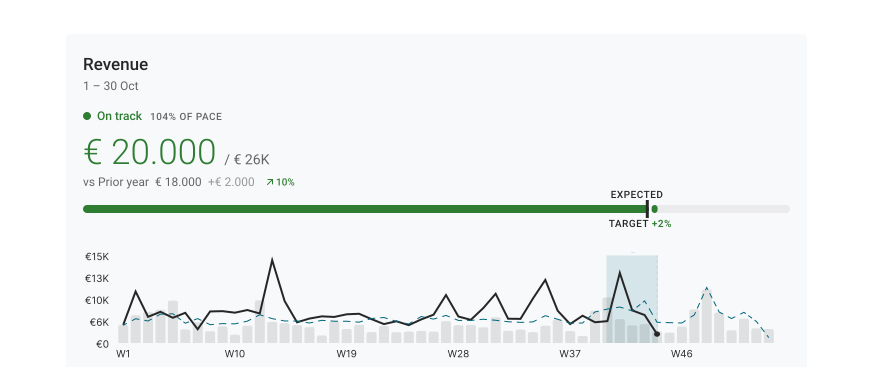 Previously · 19 October 2026Email previews widget
The Target widget now shows the period that you select on the dashboard. For example, select last week or last month. The widget then shows if you reached your target for that period.
The dashboard’s dates or the plan to date
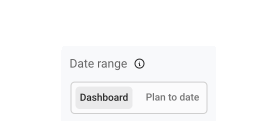
In the widget’s settings, Date range has two choices:
- Dashboard: the dates selected on the dashboard. A new widget starts here.
- Plan to date: the plan from its start up to today, whatever the dashboard shows. An existing widget stays here.
To see both, put two widgets side by side.