
Email previews widget
Show a preview of each email next to its metrics on your dashboard.
← Changelog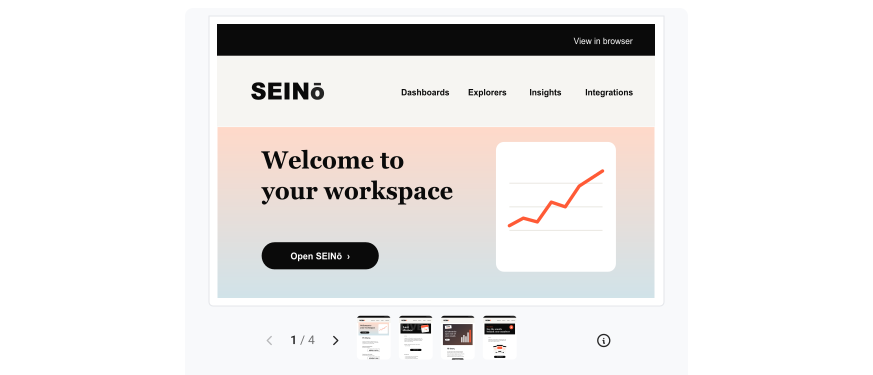 Previously · 7 October 2026Two metrics widget
Add the new Email previews widget to a dashboard to see which email the metrics are about.
Carousel or Grid
Choose how the widget shows the emails:
- Carousel: one email at a time. Use the arrows to go to the next email.
- Grid: all emails side by side, each with its first metric.
Everyone can use the widget. It needs a link to the online version of each email in your data.